How I used AI to go from default Shadcn to a product that feels like mine
Read this post on Substack and subscribe for updates
I was building a tool focused on logging, monitoring, and evaluations. When I started I didn't have a good sense of what the developer experience should look like. I was juggling building the full stack web app and the SDK that developers would install in their projects. So I didn't invest much time into the UI. I grabbed the standard Shadcn library, figured I'd come back to design when I had a better feel for what I was building, and moved on.
Then I hit a wall. I got tired of looking at my simple black and white Shadcn color scheme. The tool I was building felt like it had no soul.
Before I jumped into fixing things I took a step back and thought about what I actually needed. I think about design in two buckets. Visual design is spacing, colors, fonts, shadows, and so on. It's how the product looks. Interaction design is about enabling the user to actually do what they came to do. These two overlap to create the full experience.
This post focuses on both because I needed help with each of them and I want to share how I used AI to work through it.
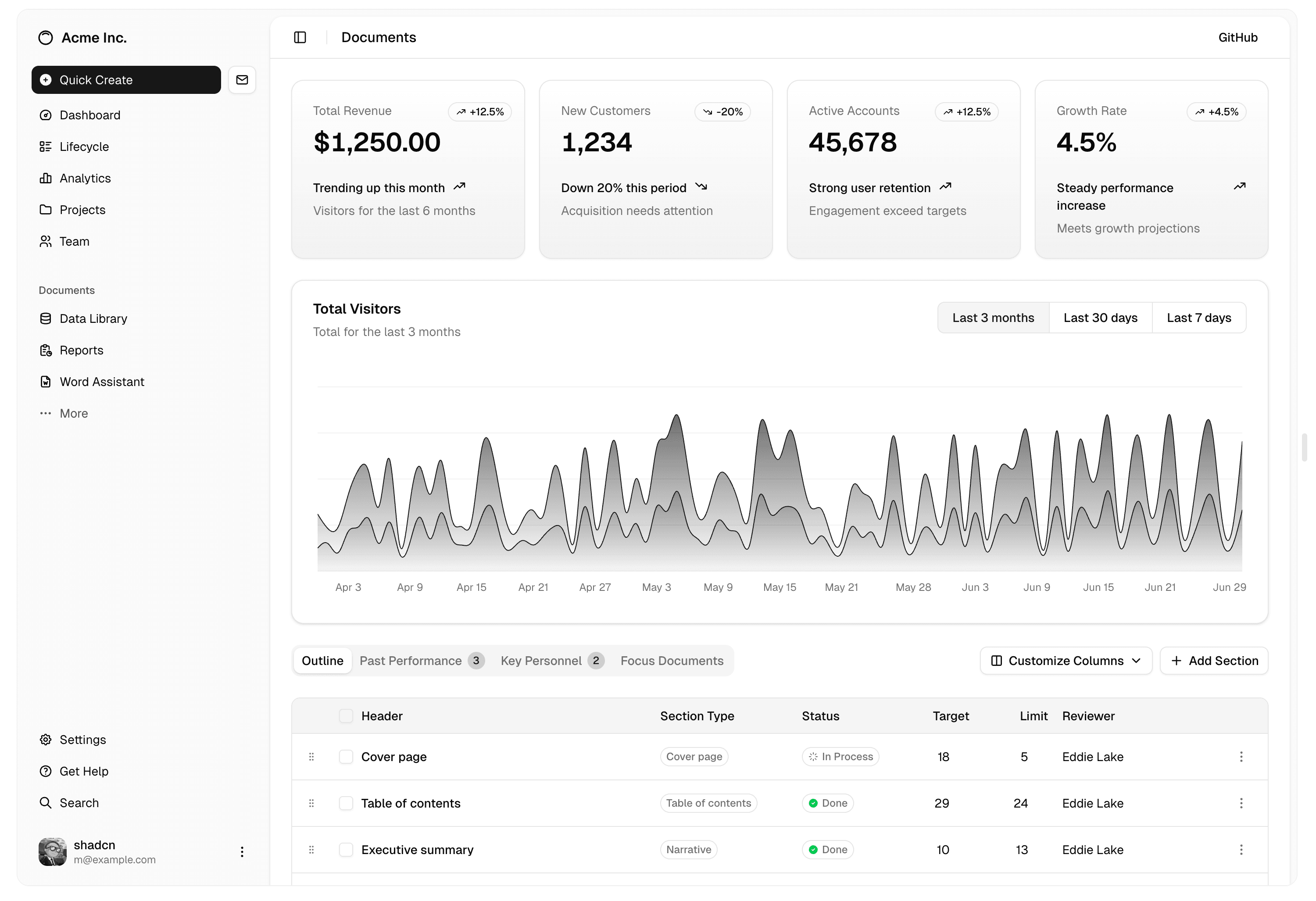
This is taken from the Shadcn website but you get the idea of what my app looked like.
Finding Your Primary Color
The first thing I did was pick a primary color. It can be helpful to think of your project as something you may market at some point and therefore something you want to brand. And I know what you're thinking. "I'm just doing a project, why do I need to think about brand colors?" The idea is that this becomes the central color you use throughout the app. It helps to frame things as if you were building a real product. Pick a primary color and rally around it.
There are some really helpful tools out there for this. One I enjoyed using is called Huemint. It lets you visualize what a website, physical product, or logo would look like centered around a color scheme. You can customize and try infinite combinations. If you want additional inspiration or just want to browse color palettes, Color Hunt is great for that.
Using Claude to Experiment With Landing Page Designs
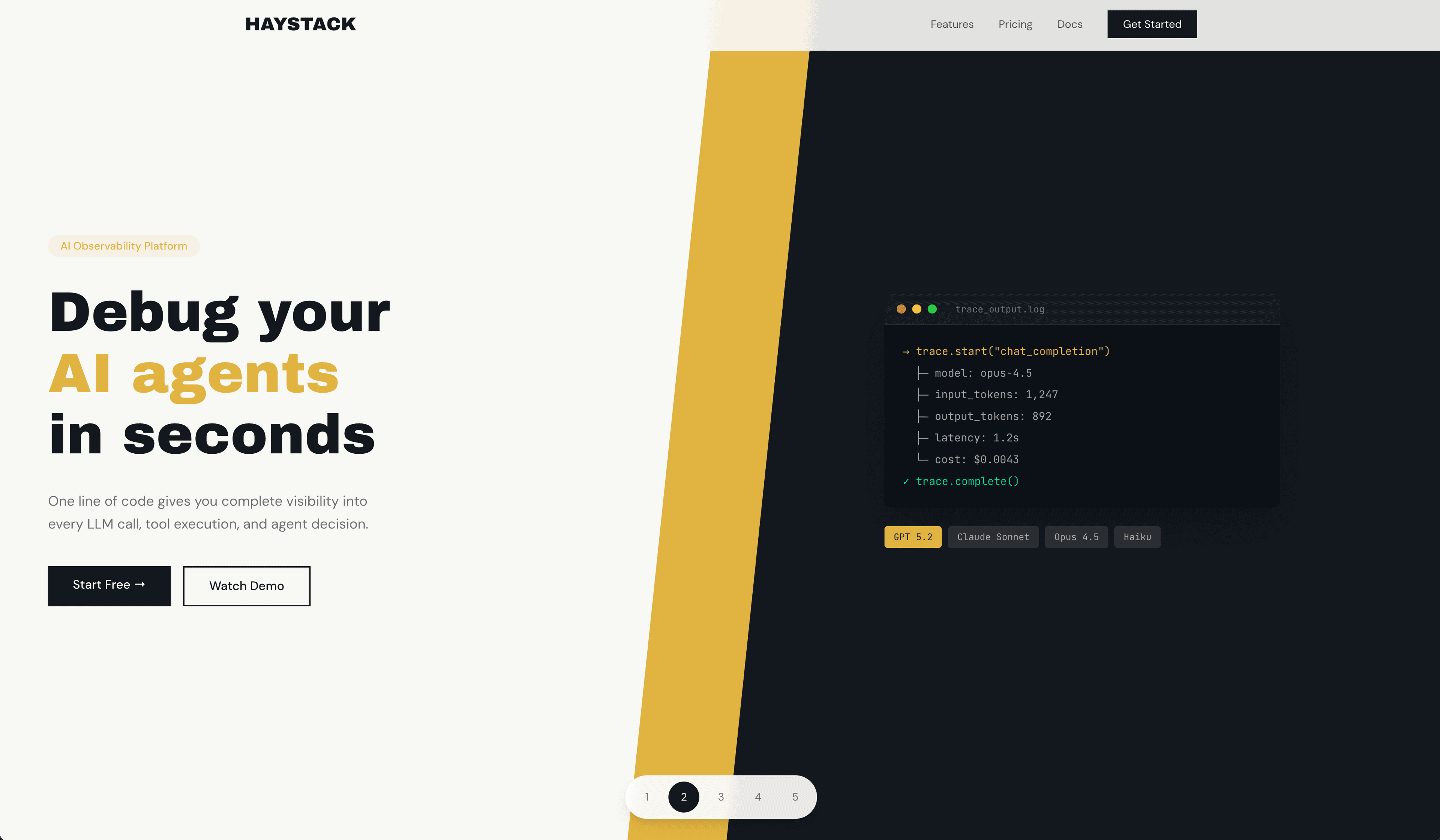
Once I had a color direction, I wanted to see what it would actually look like in practice. I learned this approach from Theo and it uses Claude's frontend design skill with Opus.
Here's the prompt I used:
The Prompt
You can take this prompt and swap in your own app details and add a line about the colors you picked from Huemint or Color Hunt. For more variation, try running it with different models. The point is to generate a bunch of options fast so you can react to them and figure out what direction feels right.
Using Design OS for Interaction Design
Now let's talk about the other side of design. I found a tool called Design OS that uses Claude Code to help you think through the different screens and interactions you want your users to have.
Here's why I think it's worth checking out if you're having a hard time defining what you want to build.
You start by writing your product spec and shaping your vision. Based on what you write, Claude asks clarifying questions to help you solidify your PRD.
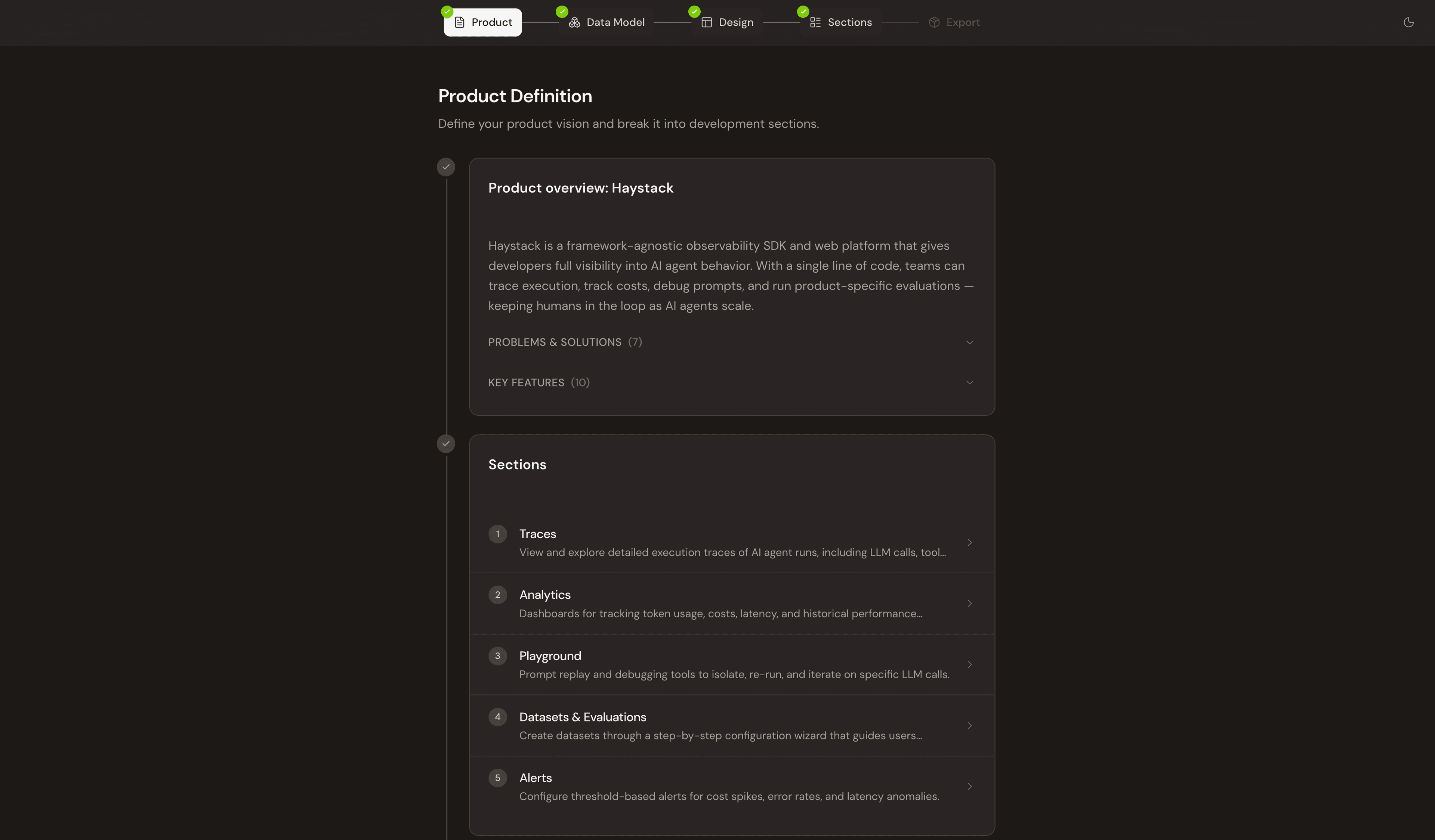
Then you break your app into different sections, which are essentially the different screens your users will interact with. The tool includes different view ports so you can also get an idea of how it would look on any device.
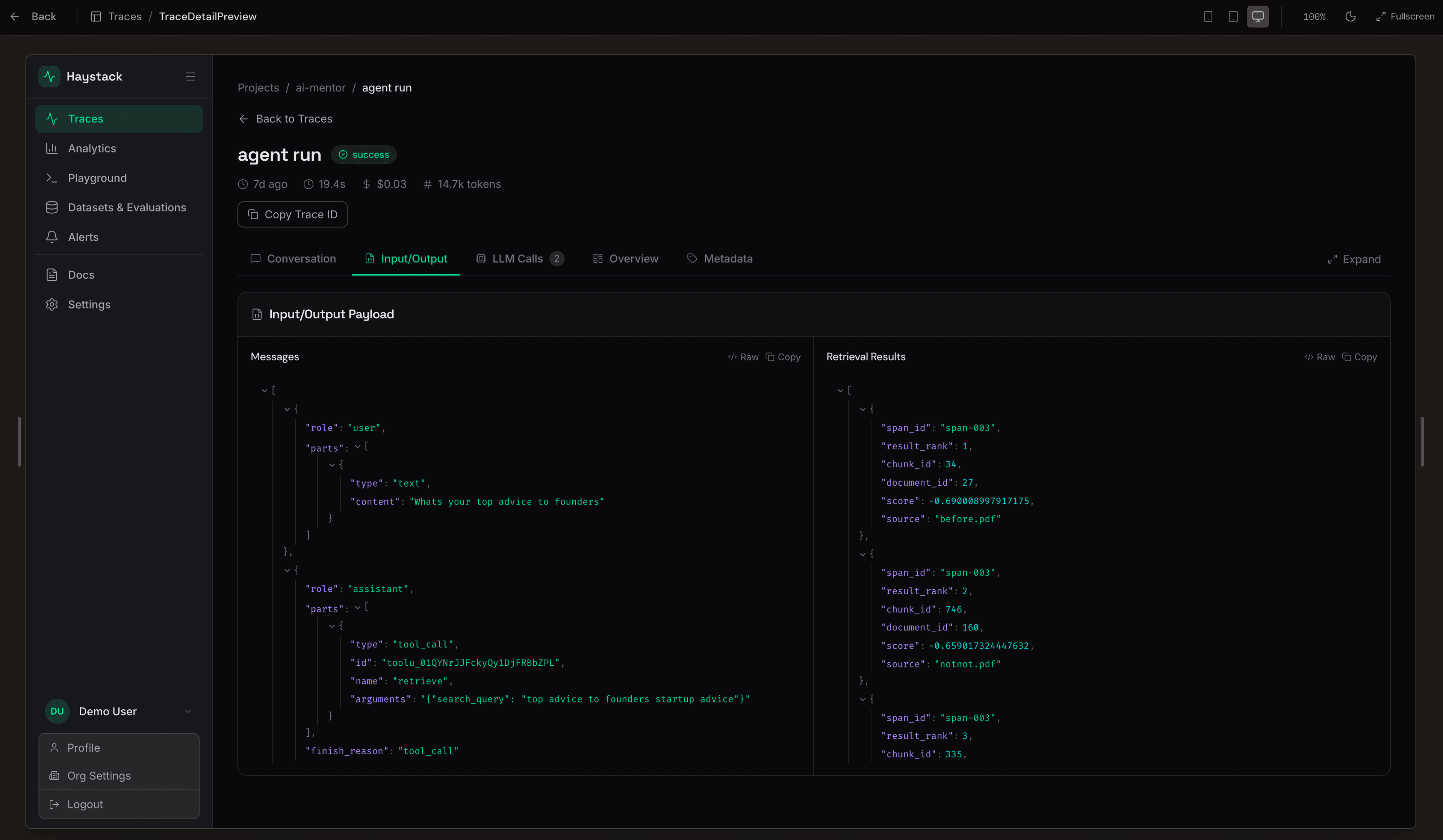
Once you're done with your screens, everything is packaged up and ready to export to your project repo. From there you can start executing on the features.
The tool is completely open source and requires very little setup. You can watch the creator, Brian, give a video walkthrough of how it works.
What Brian has built here is extremely useful for anyone trying to get specific about what they are building and create a cohesive product experience. It also means you're not starting with a fresh context window every time you design a new feature. If you enjoy spec driven development in a visual way that you can completely customize, this is a great option.
What I Learned
The biggest thing I took away from this process is that design doesn't have to be this thing you dread or put off until later. That's exactly what I did and it cost me momentum.
Picking a primary color and generating landing page variations with Claude gave me something to react to instead of staring at a blank canvas. And Design OS forced me to slow down and think about what my users actually needed to do before I started building screens.
If your project feels like it needs more soul, don't just push through it. Step back, get some tools involved, and give yourself options that inspire you to keep building. That shift from "I need to design something from scratch" to "let me look at a bunch of options and pick a direction" made all the difference for me.
My Take on AI in Design
I think these tools will only get better with time but I don't think they will ever replace the judgment and taste a great designer brings to your project. Like I mentioned above, I think their biggest strength is helping you test different versions of your design very quickly. These tools are fantastic for side projects. In my case Haystack is really meant to be an internal tool centered around improving my own evals, so it doesn't justify spending on an experienced designer. But if your project is something you plan to build for users, I'd suggest partnering with a great designer.
It's also clear that the models have been trained on a handful of design templates that they tend to reuse. But even with that limitation, skills like the frontend design skill help them come up with creative combinations you can use as a starting point. And as models continue to improve I think the output will only get better.